Backspark
Backup for your Mac
Backspark backs up your Mac and then gets out of the way. Your files are encrypted before they leave, and only you hold the key. It skips what can be rebuilt, costs the same every year, and stops when you ask it to.
Go ahead, it's a demo. In a test, a real backup to a local folder stopped reading and writing within 12 ms of being told, 30 times out of 30.
What it looks like
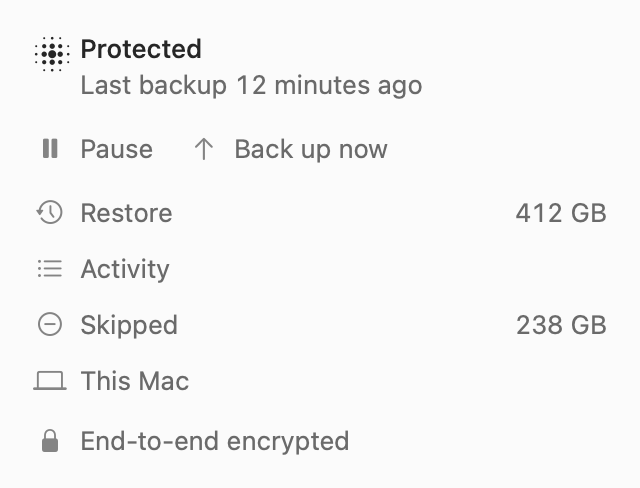
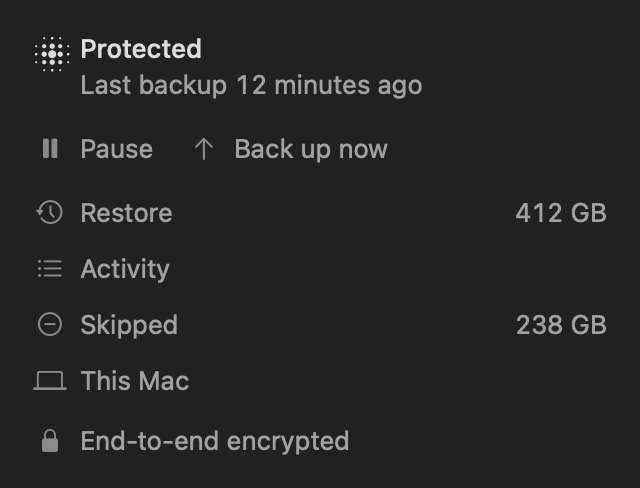
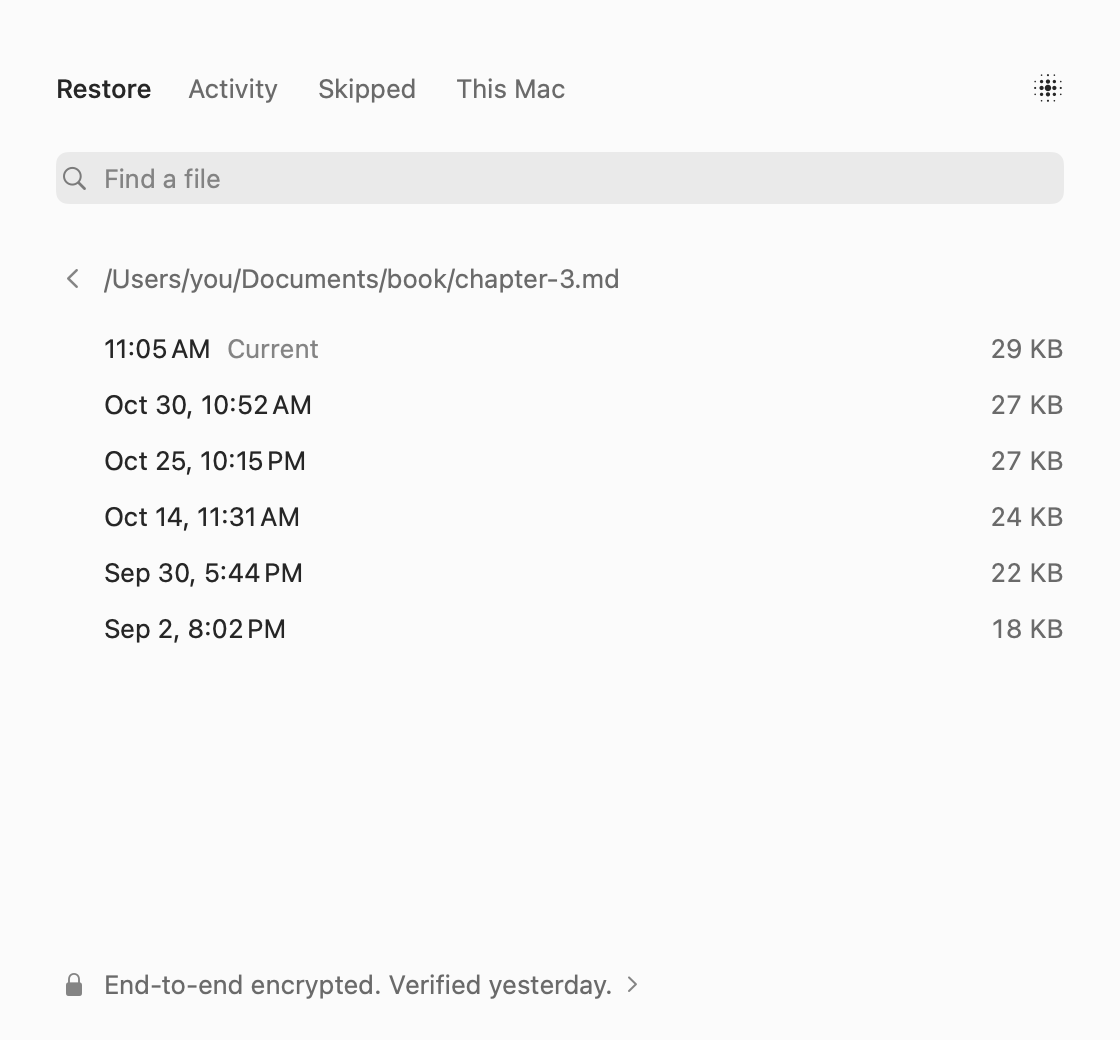
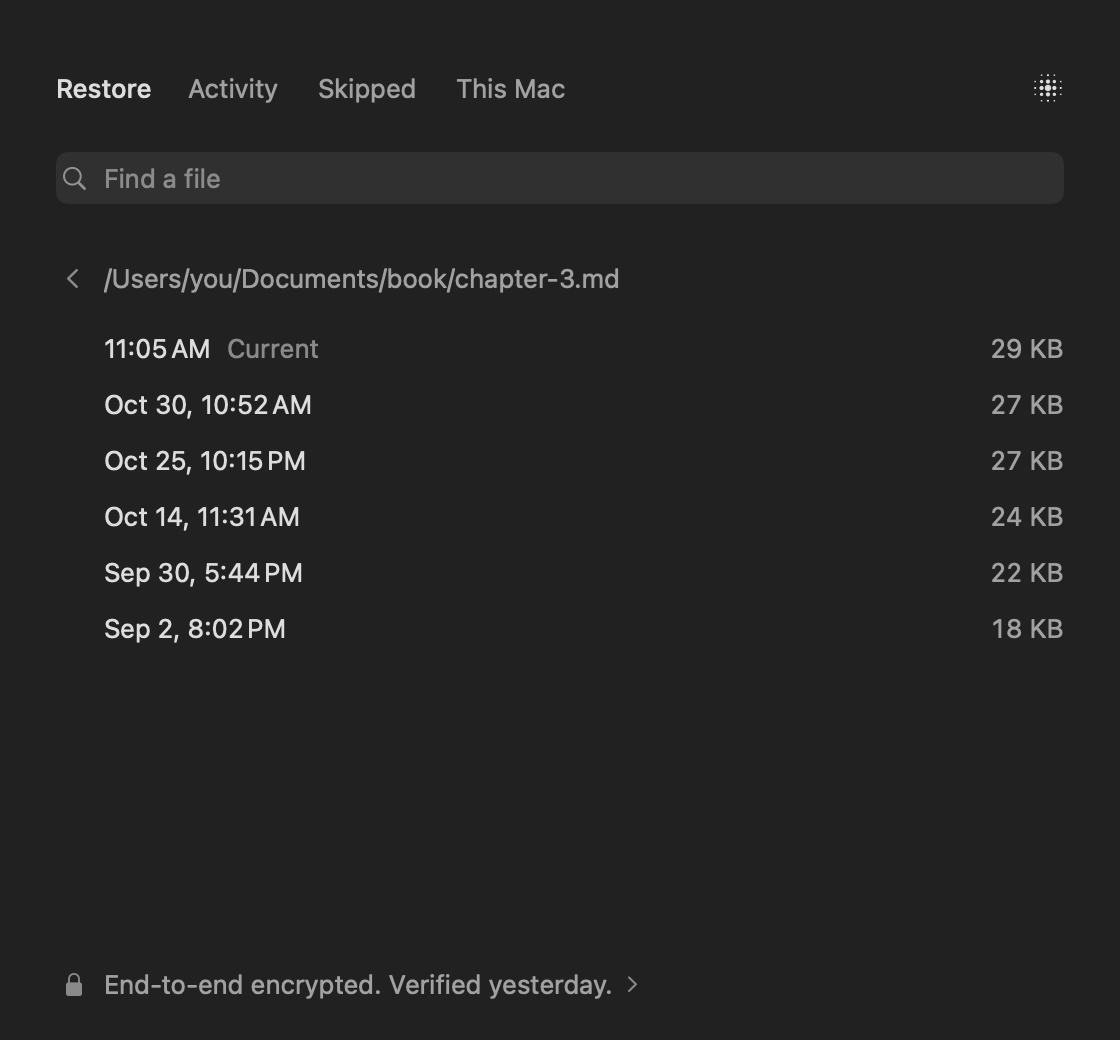
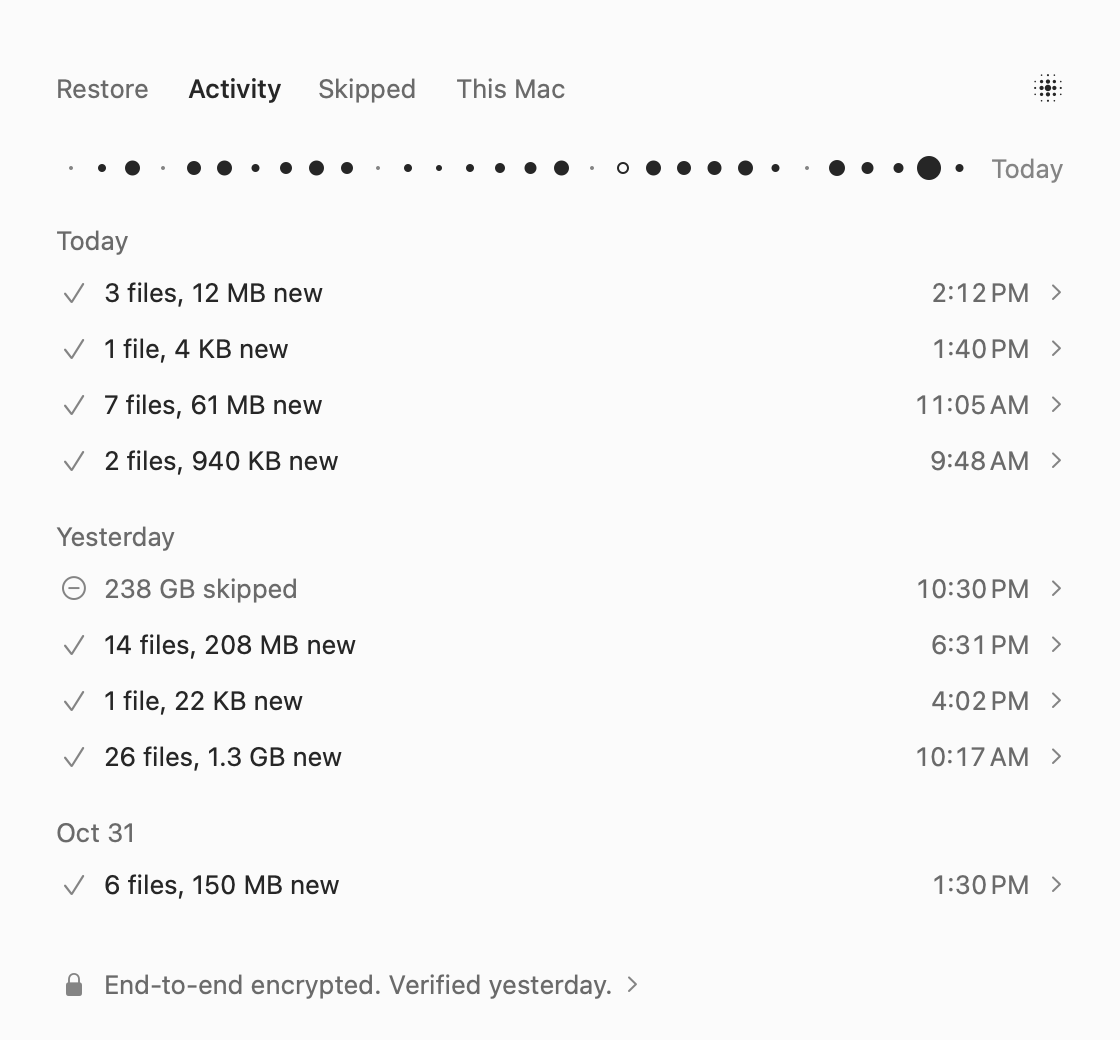
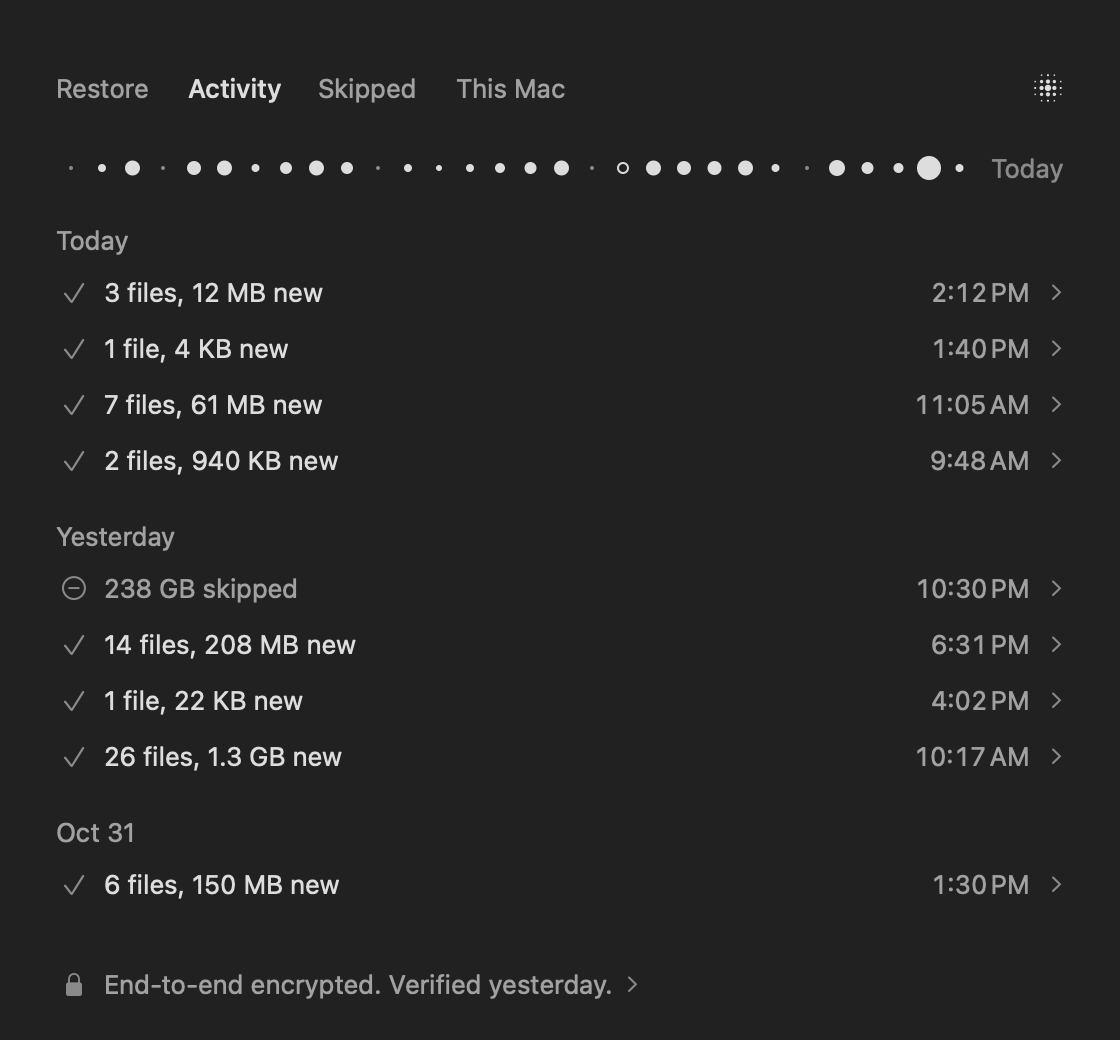
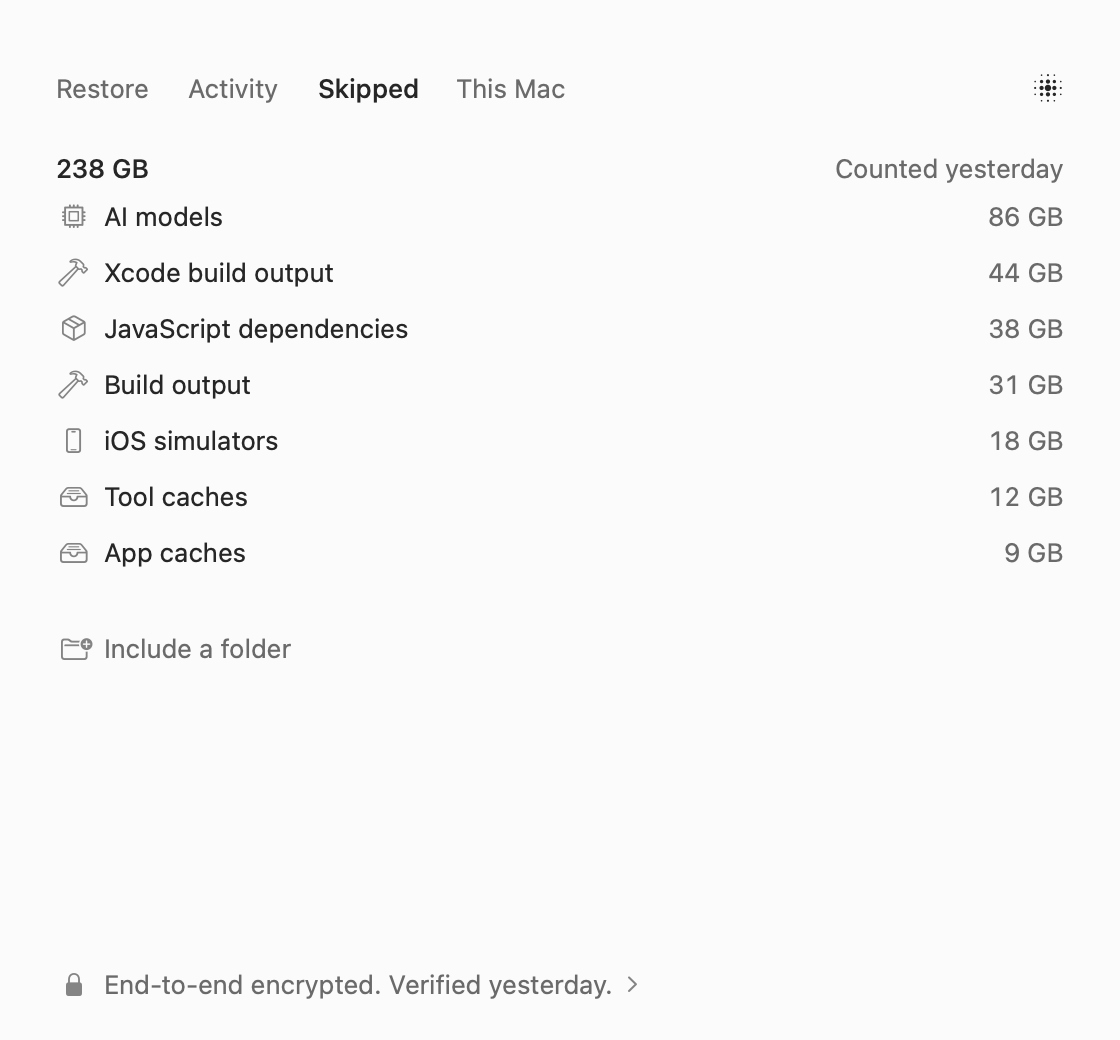
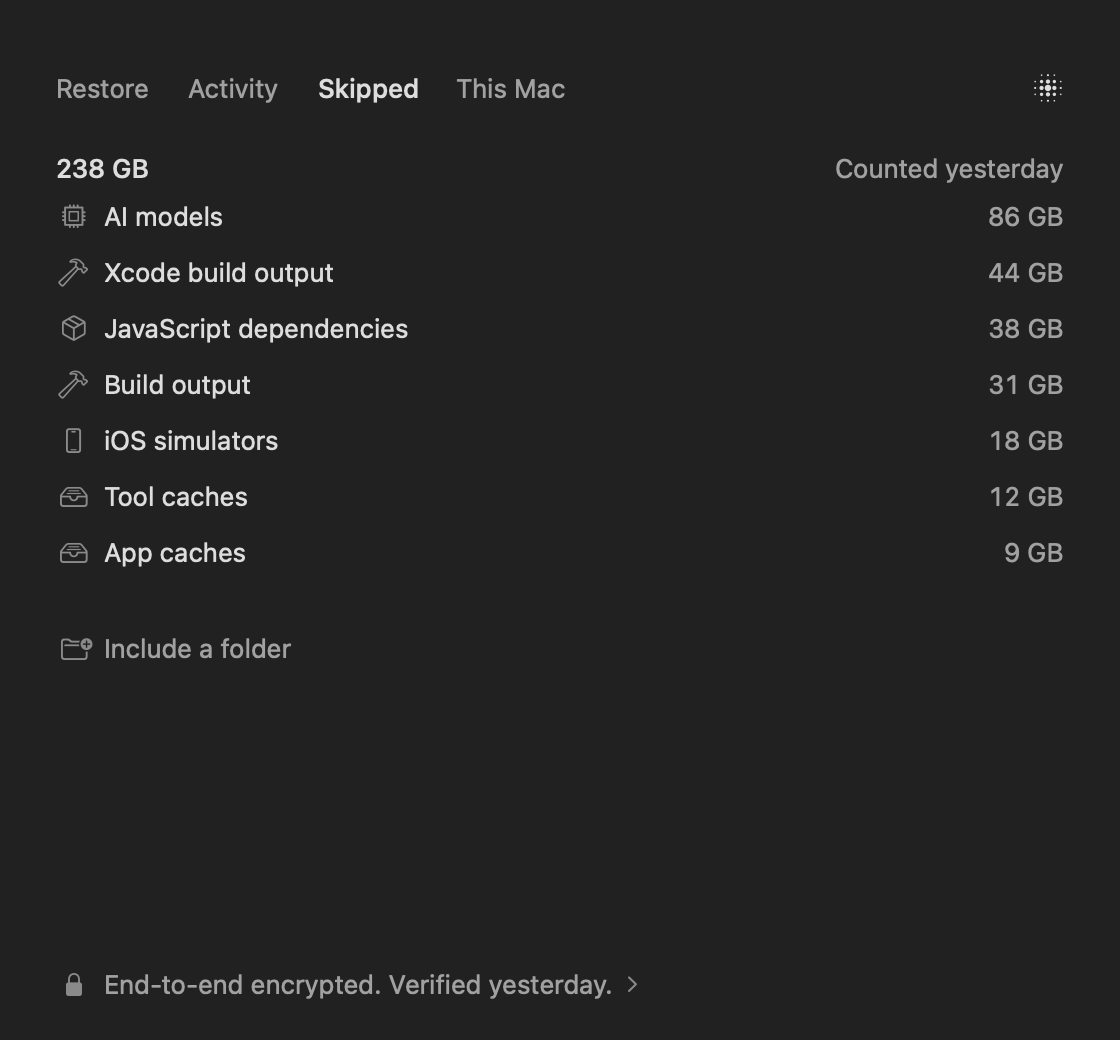
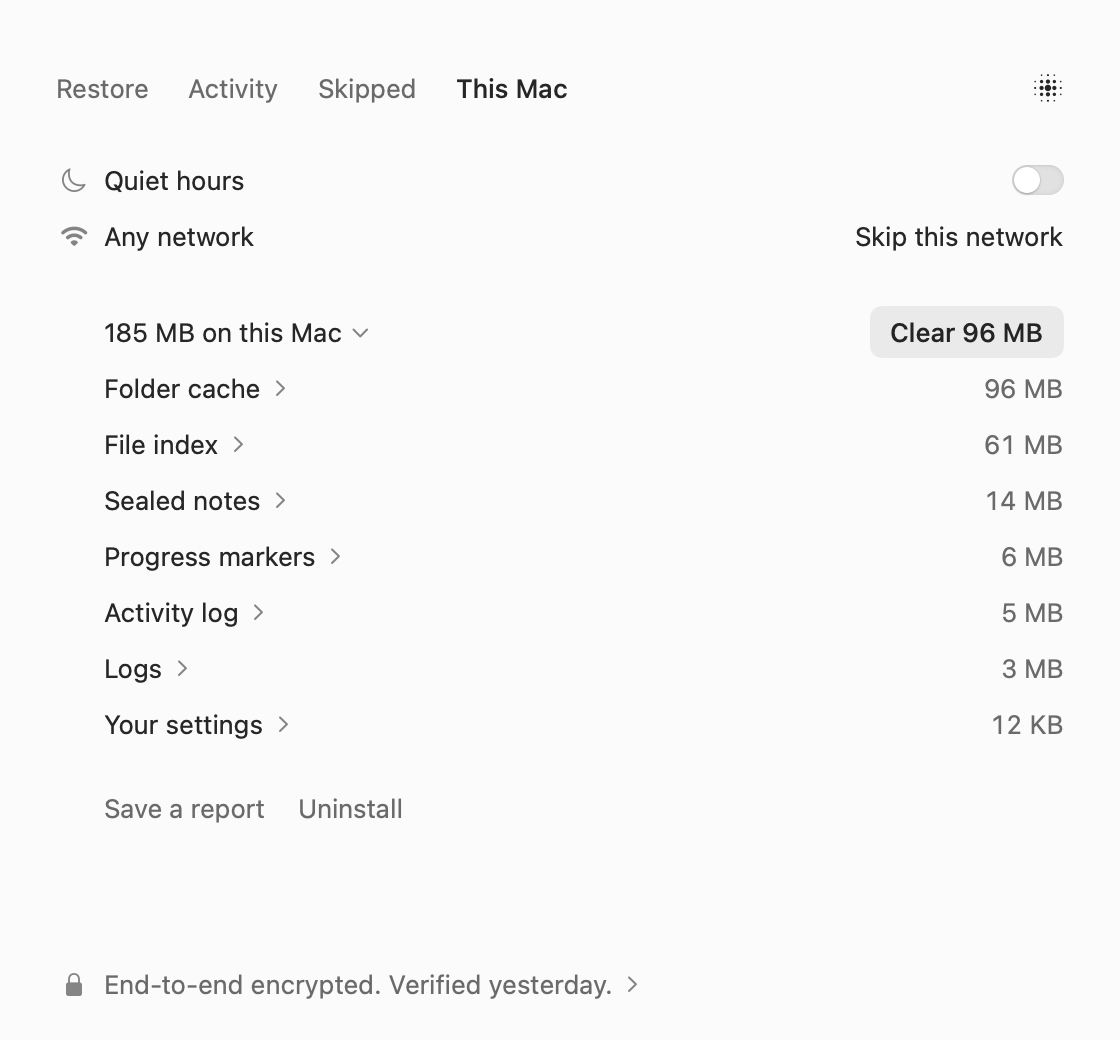
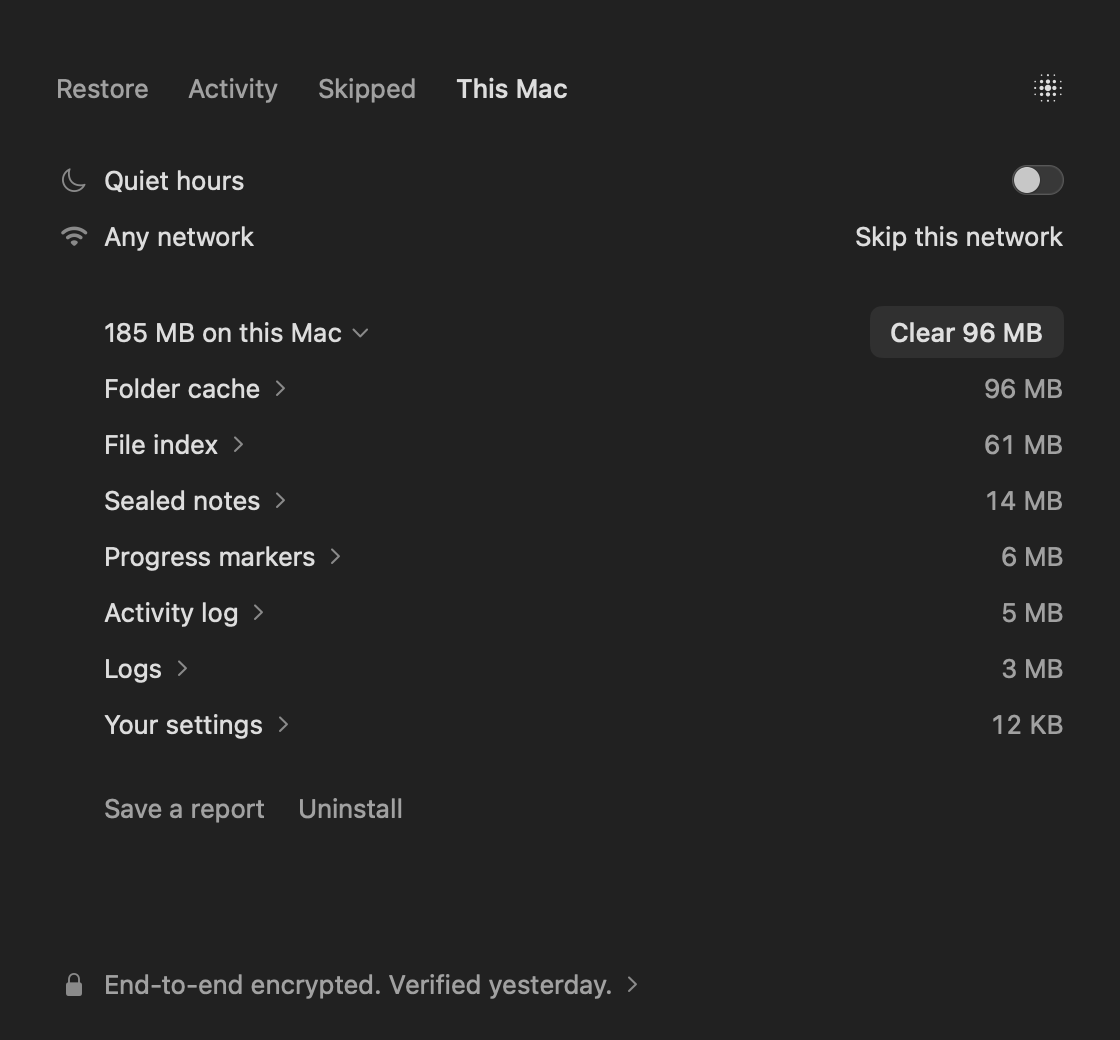
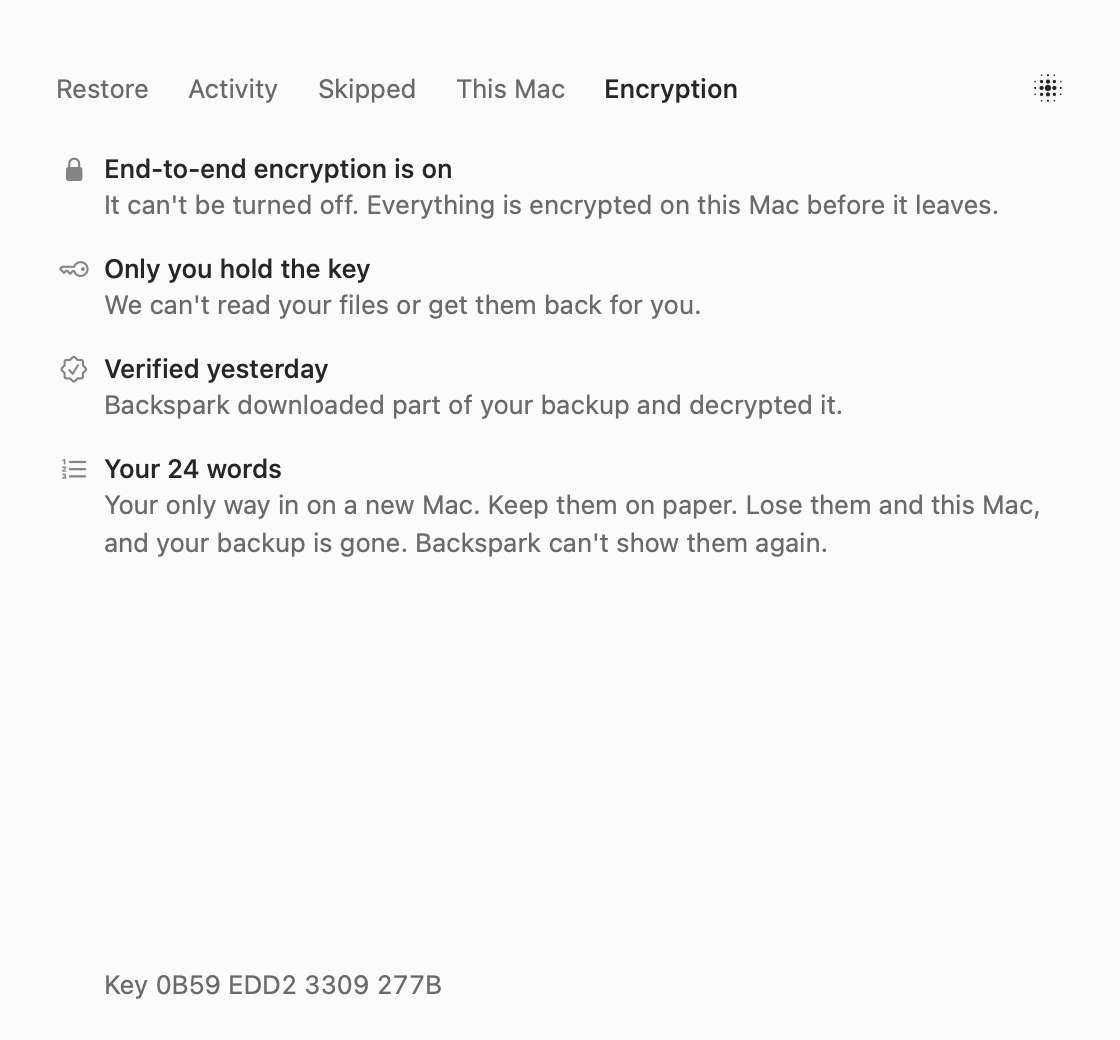
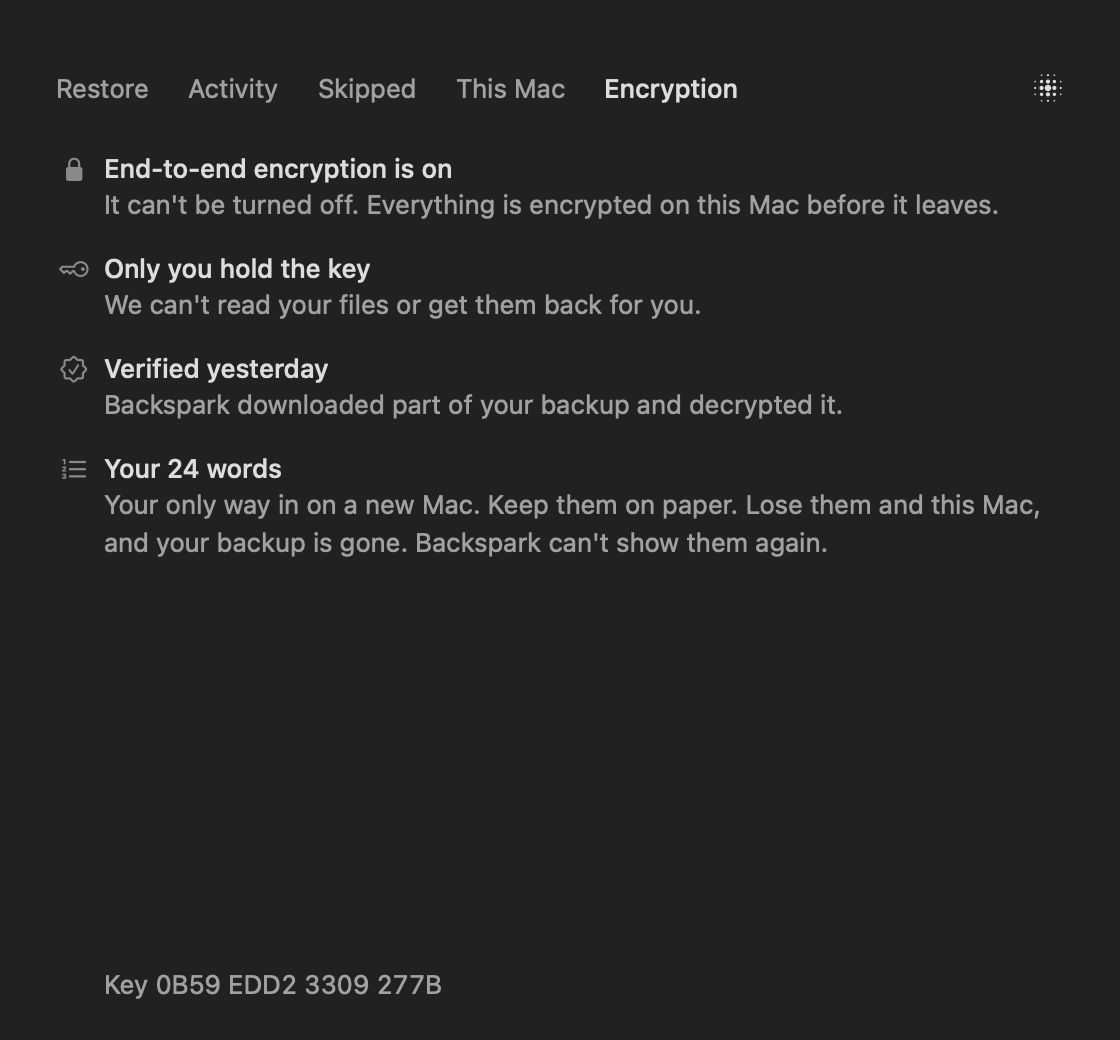
These are the app's own screens, with sample files.
Why it exists
We measured a well-known backup app on one busy Mac, tracking 25 million files. It kept 52 GB on the disk just to keep track of things, and nothing in the app showed where that went. It used as much as 12.9 GB of memory. Checking for changes typically took 30 minutes a pass, and most passes uploaded nothing. In the two cancelled passes in its logs, it stopped only at its first checkpoint, 22 and 28 minutes in.
Most of those 25 million files were never worth saving. They were node_modules, build output and caches, all of which come back with one command. So we built the opposite.
What's different
- Light
- In a test on three project folders from that same Mac, it read 407 GB across 2.3 million files and encrypted the 257 GB it would have sent, with nothing uploaded. It finished holding 178 to 307 MB on disk, and its memory footprint peaked at 137 MB. Everything in its folder is listed by name. All the numbers
- Quiet
- macOS tells it what changed, so most of the time it doesn't go looking. It looks through everything when it starts, at least once a week, and when macOS loses track. For those 2.3 million files that took 48 seconds at worst.
- Smart about what's yours
- It skips
target/beside aCargo.toml, not a folder of photos that happens to share the name. A.envat the top of a build folder keeps that folder. Ask why anything was skipped and it tells you. - Private
- Encryption can't be turned off. Your key is 24 words that never leave your Mac. There's no password to guess, and no restore that sends your key to us. How it works
- Hands-off
- It tests your backup every week by decrypting part of it. You don't pick a storage provider, or think about one. Updates are built to install themselves, though that hasn't run for real yet.
Price
- Backspark
- $99 a year
- Everything on your Mac's own disk, no limit
That's the whole bill, for one Mac. Nothing is metered, and restores are included. The first 15 days are free, for up to 50 GB.
Worth knowing
- If you lose your 24 words and your Mac, your backup is gone. We can't reset them. That's the point.
- Files of 1 MB and up go to deep storage once they've sat unchanged for a month. A restore that needs any of them can wait up to 48 hours. Smaller files and anything newer restore right away. Deep storage hasn't run for real yet.
- It backs up everything on your Mac's own disk. External drives aren't backed up for now.
- It's for Macs for now.
Get it
Backspark is in development, and so far it's been tested on one Mac. It isn't available to download yet.