Backspark
Backup for your Mac
Backs up your Mac. Then gets out of the way.
Encrypted on your Mac. Light on it too. $99 a year.
Download for Mac Free for 15 days, up to 50 GB
macOS 15 or later, Apple silicon
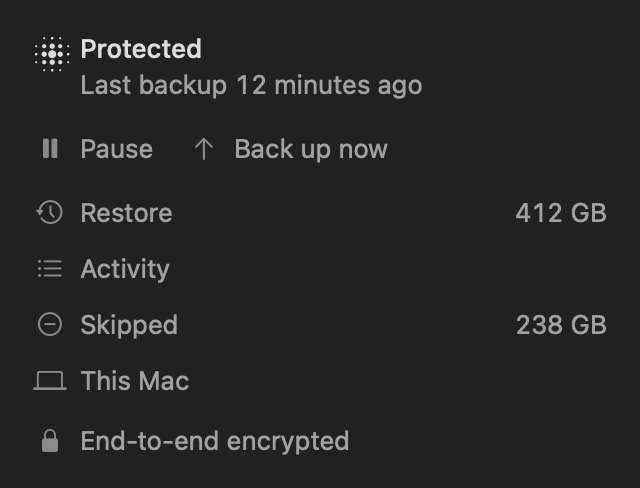
- 137 MB
- Peak memory
- 178 to 307 MB
- Kept on disk
- 24 to 48 s
- A full look, nothing changed
- 12 ms
- Pause to stopped
2.3 million real files, one busy Mac, nothing uploaded. How we measured
On that same Mac, a well-known backup app used 12.9 GB of memory.
Backspark 2.3M files137 MB
A well-known backup app 25M files12.9 GB
Backspark 2.3M files178 to 307 MB
A well-known backup app 25M files52 GB
Not like for like yet. Theirs was a whole Mac, uploading, with memory as resident size from its logs. Ours was three folders on it, nothing uploaded, with memory as footprint. All the numbers
It shows where every megabyte went.
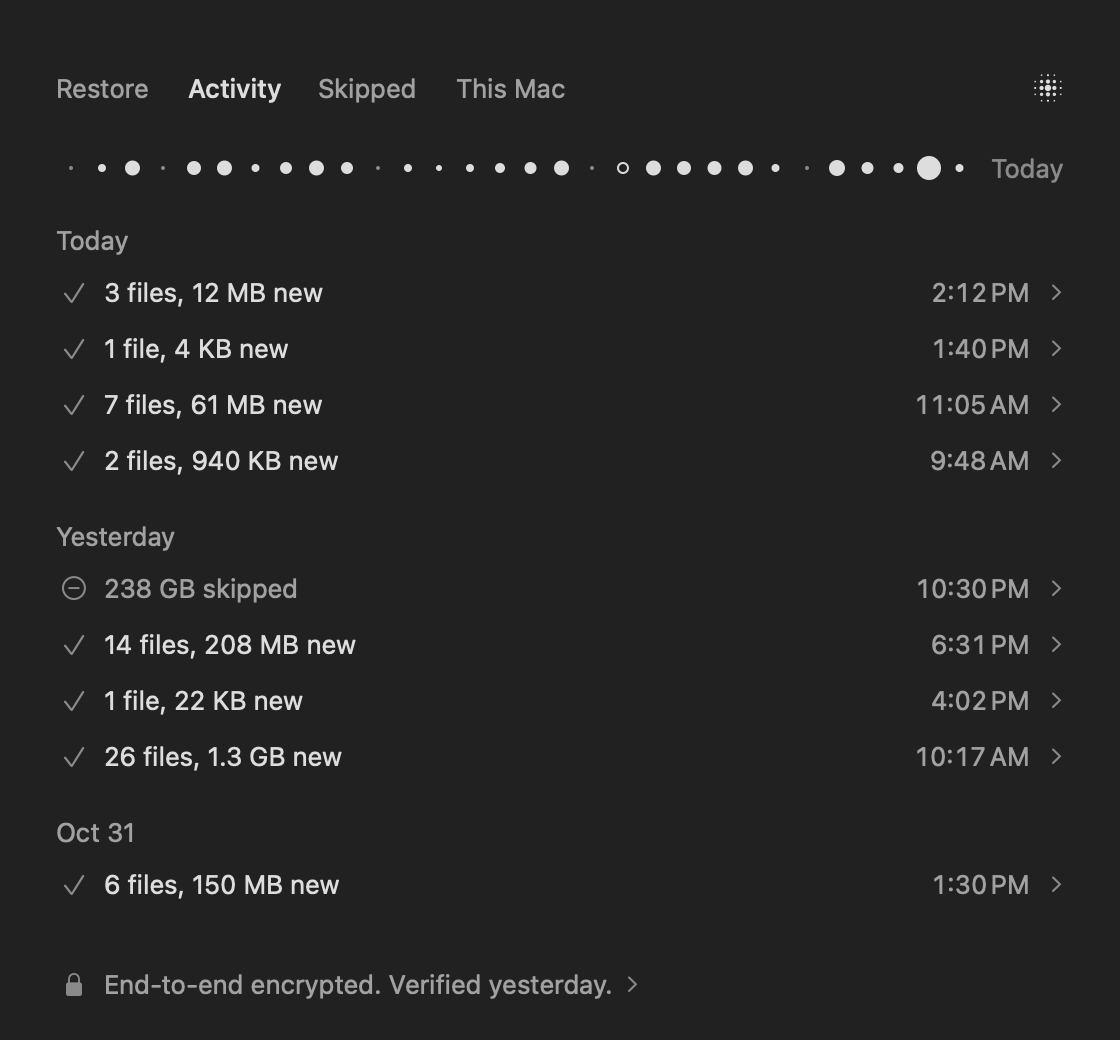
Most of the time, it does nothing.
macOS tells it what changed, so it doesn't go looking.
Backspark everything, at worst48 s
A well-known backup app typically30 min
Pause means pause.
Go ahead, it's a demo. A real backup stopped within 12 ms, 30 times out of 30. The other app's two cancelled passes took 22 and 28 minutes.
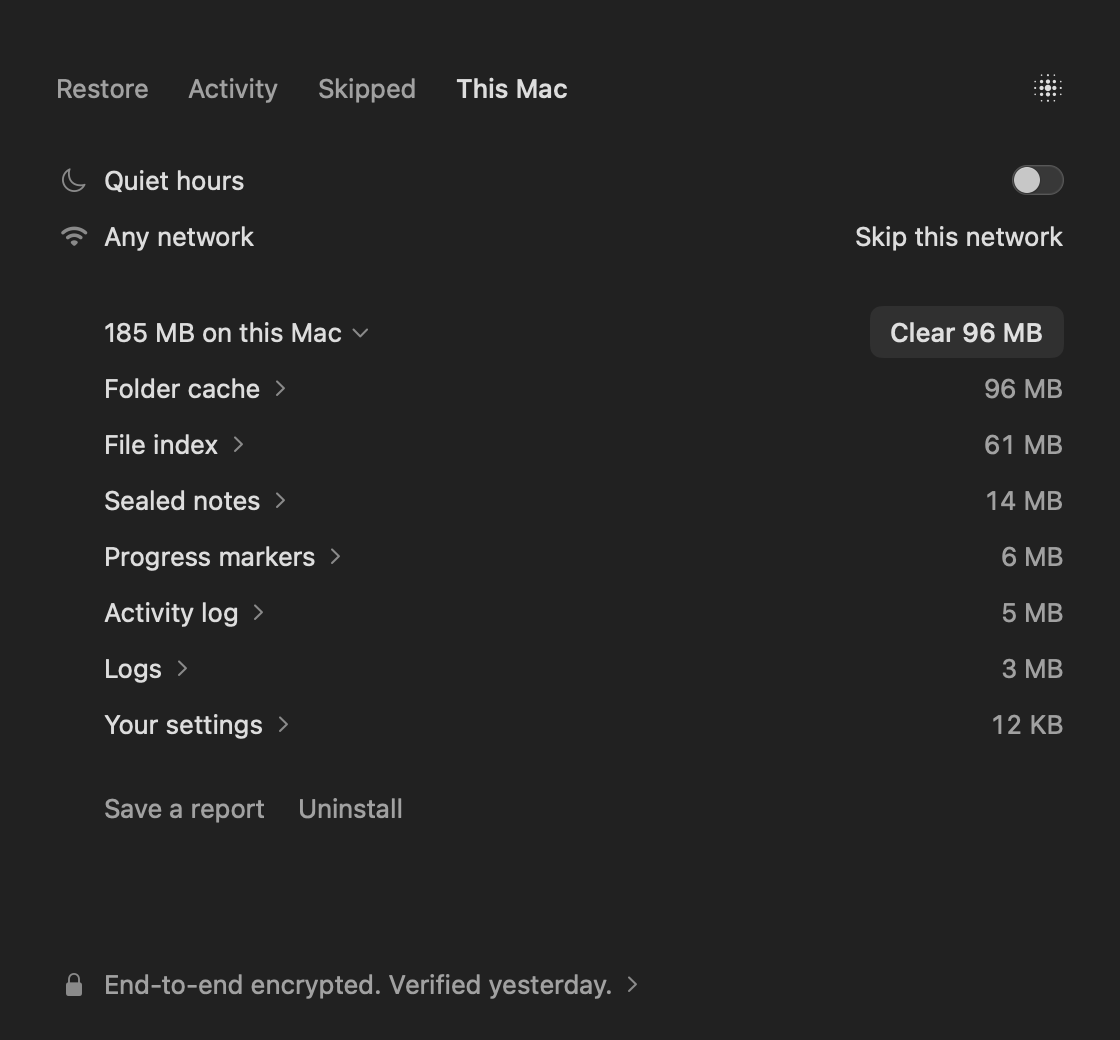
It skips what you can rebuild.
node_modules- Build output
- Caches
- AI models
- Simulators
Selected to back up of 3.78 GB173 MB
my-app
Cargo.toml
targetSkipped
Photos
targetKept
buildKept
.env
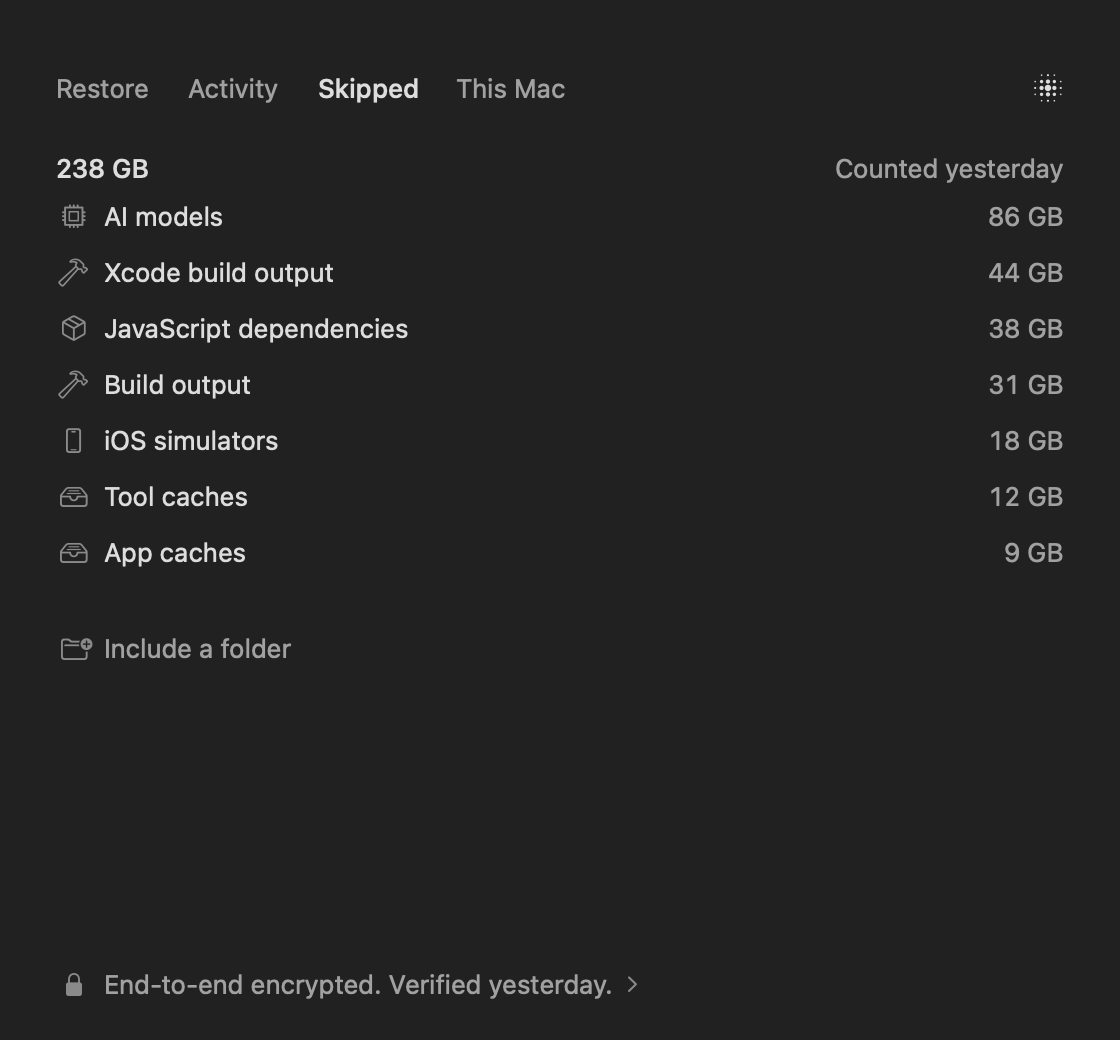
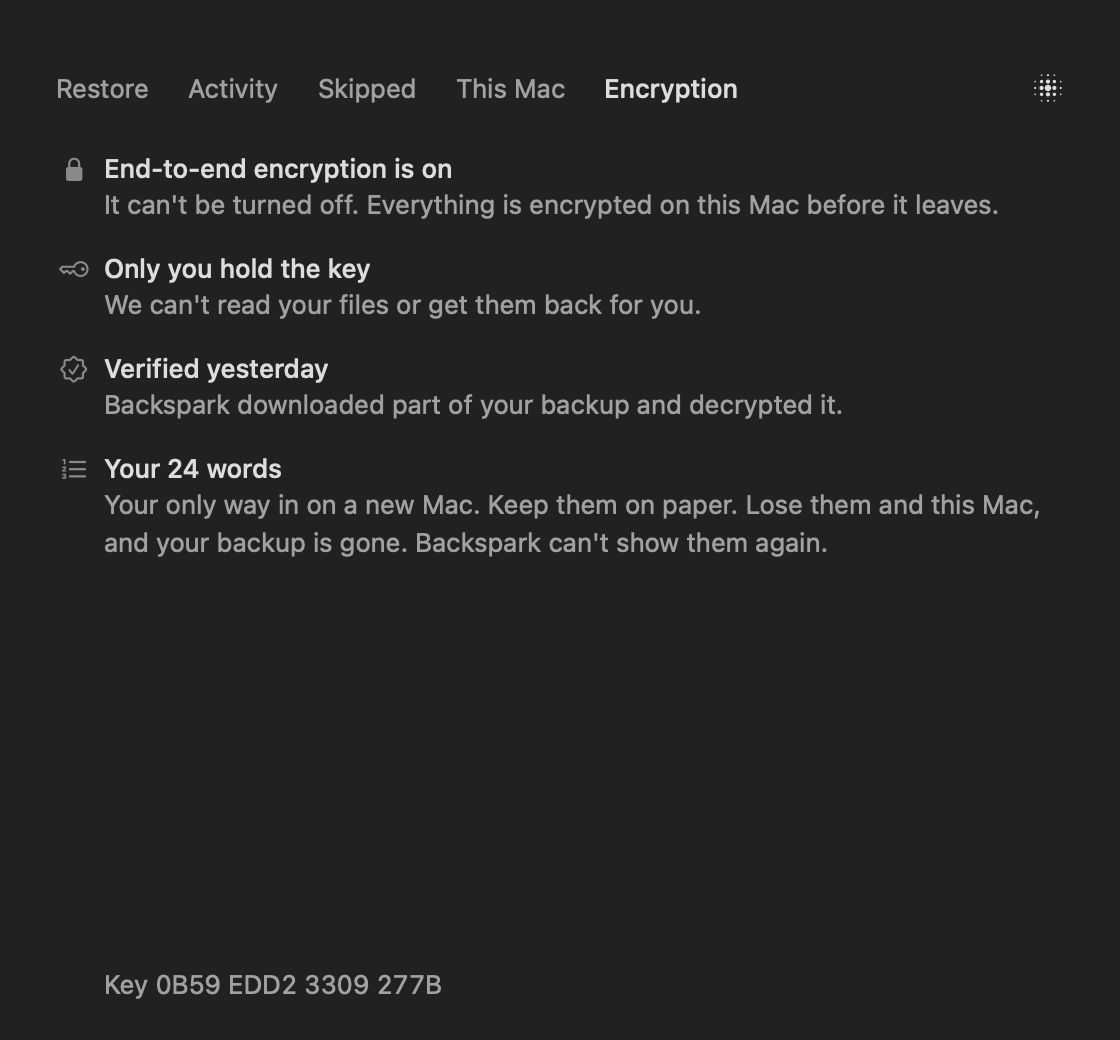
Only you can read it. That includes us.
- 24 words, made on your Mac
- We can't read your files
- We can't reset your words
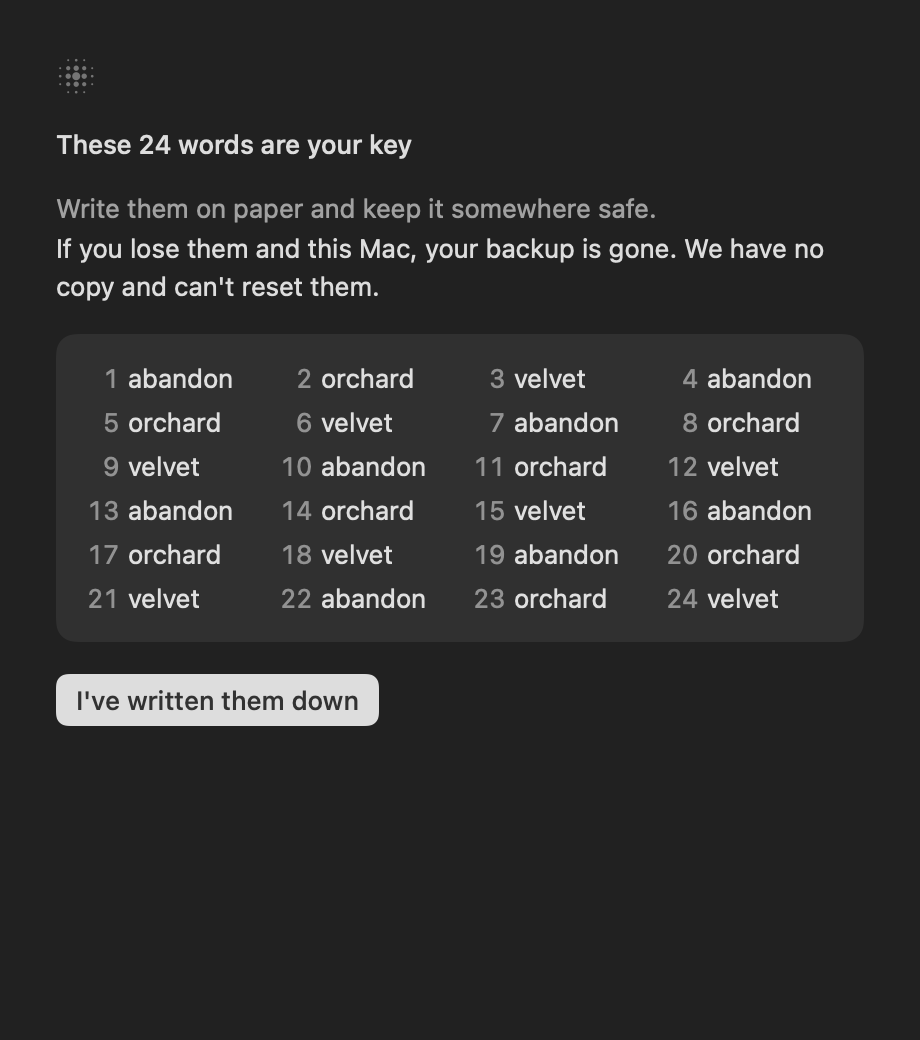
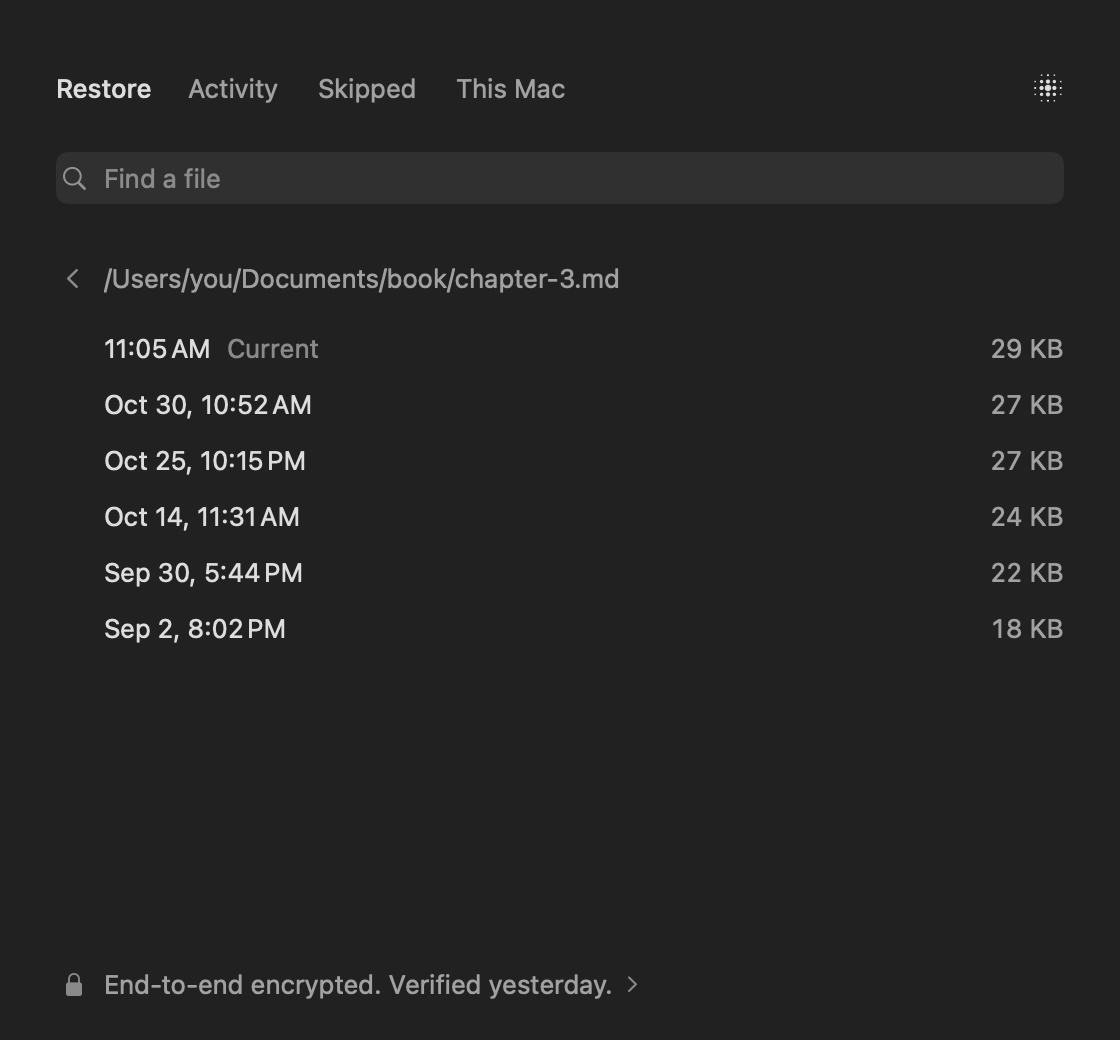
Getting a file back takes a search.
$99 a year.
- One Mac, everything on its own disk
- No limit, nothing metered
- Restores included
- 15 days free, up to 50 GB
Worth knowing
- Lose your 24 words and your Mac, and your backup is gone. That's the point.
- Files of 1 MB and up go to deep storage after a month unchanged. Restoring those can wait up to 48 hours. Not run for real yet.
- Updates are built to install themselves. Not run for real yet either.
- External drives aren't backed up for now.
Get it
Needs macOS 15 or later and Apple silicon. Move it to Applications and open it from there.
It's new, tested on a handful of Macs. Keep the backup you have for now.